Interface
Admin panel & display view
Admin panel
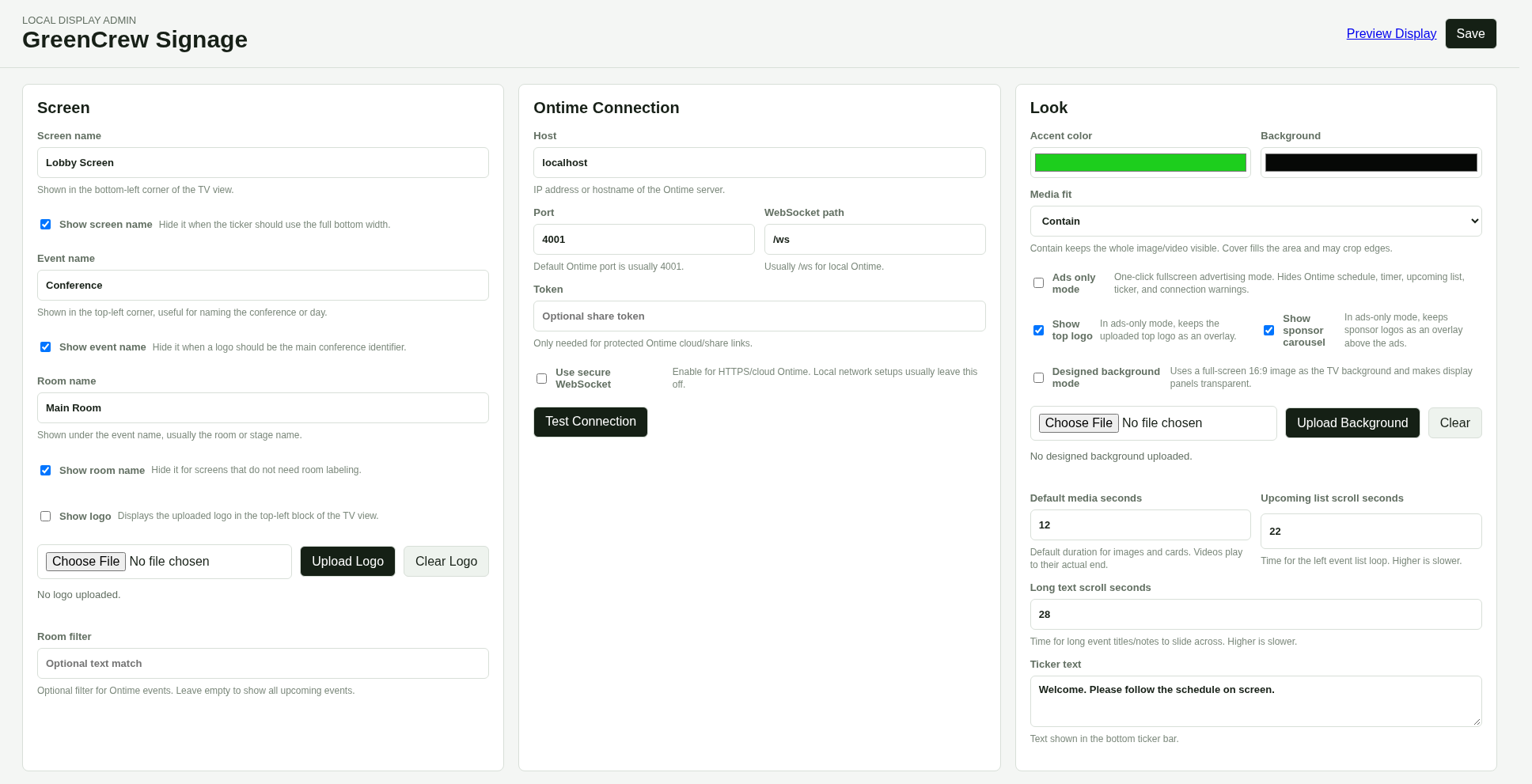
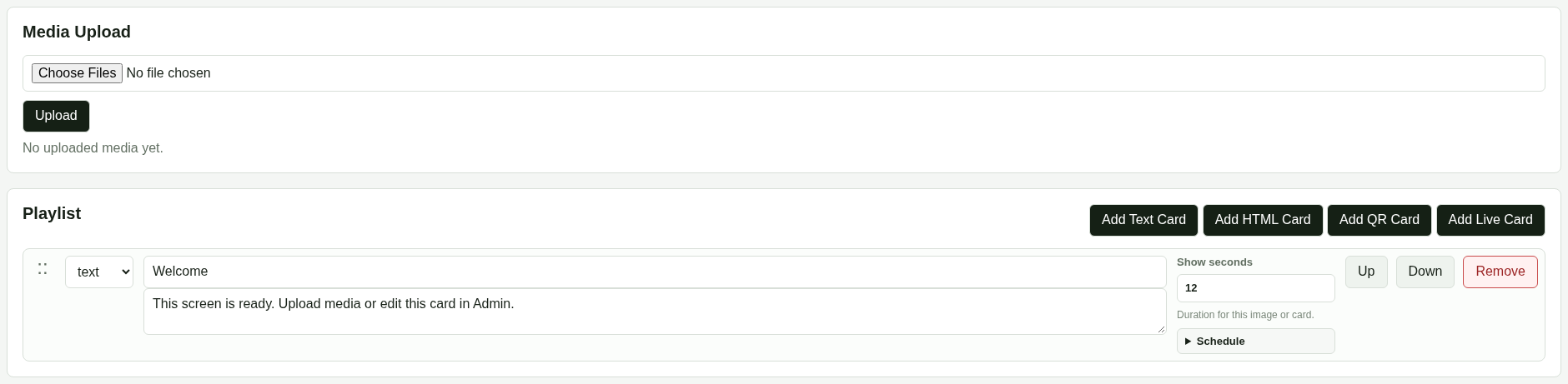



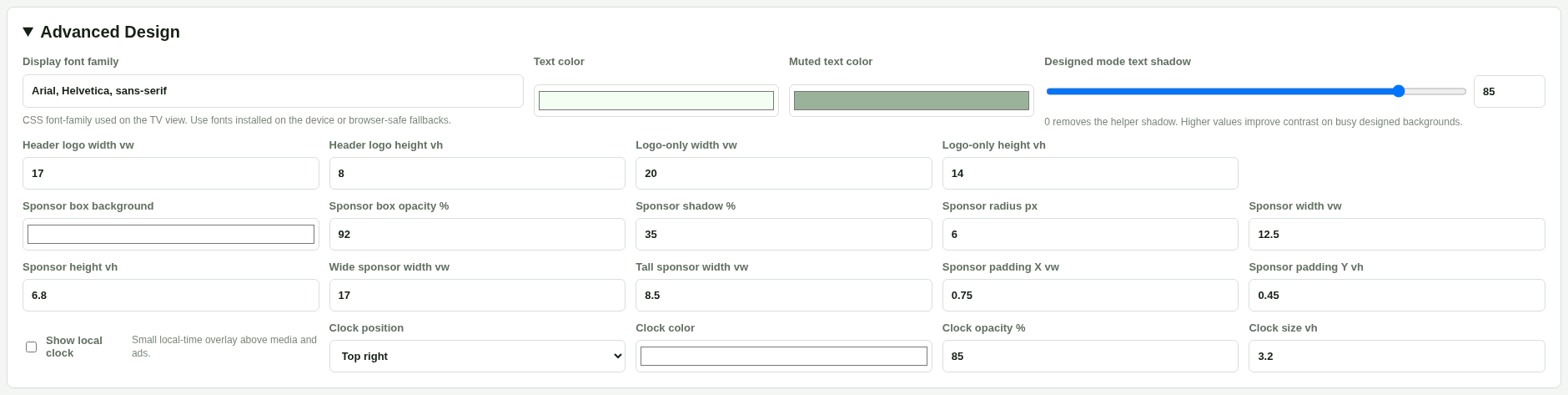
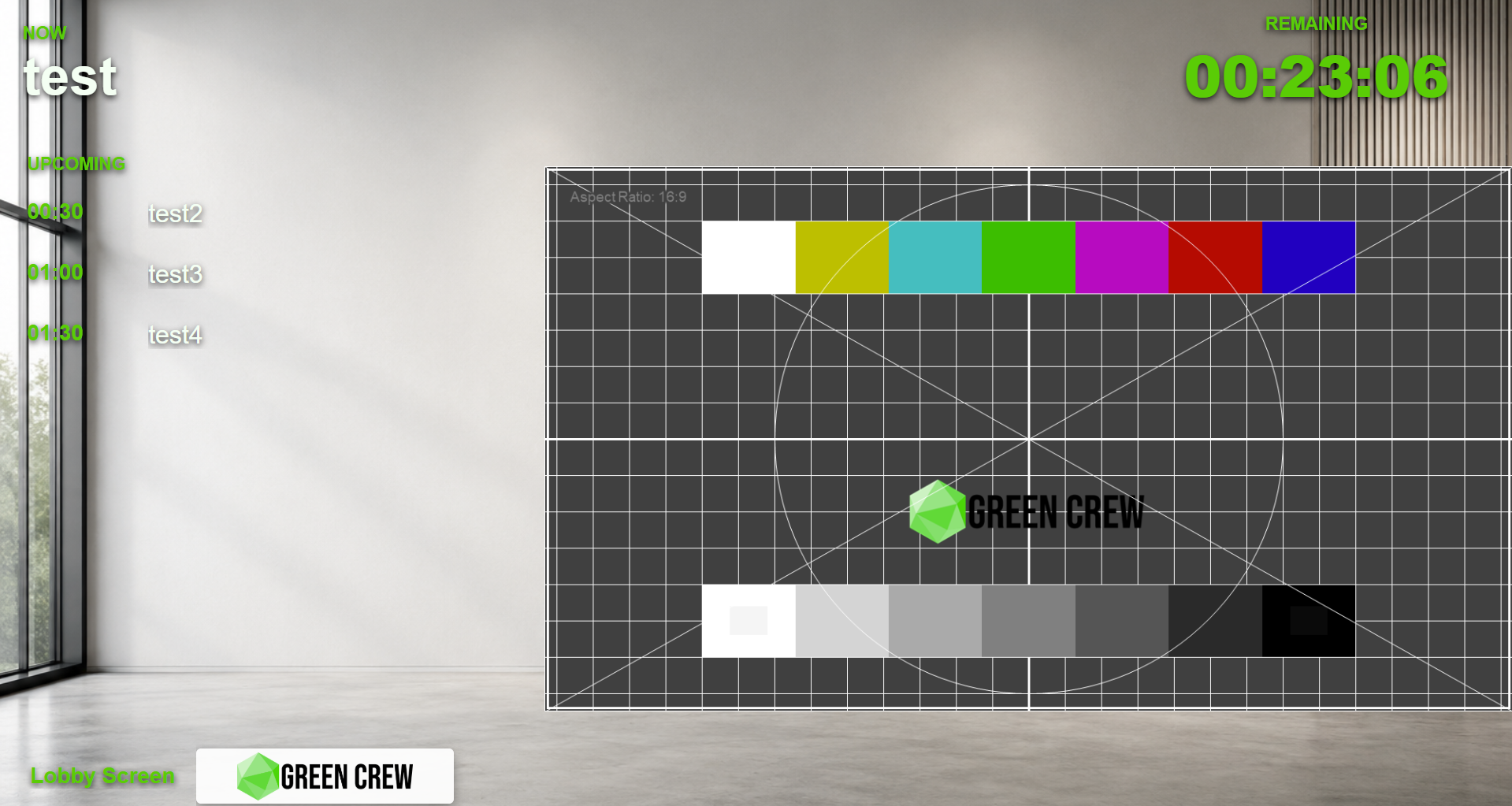
Display view
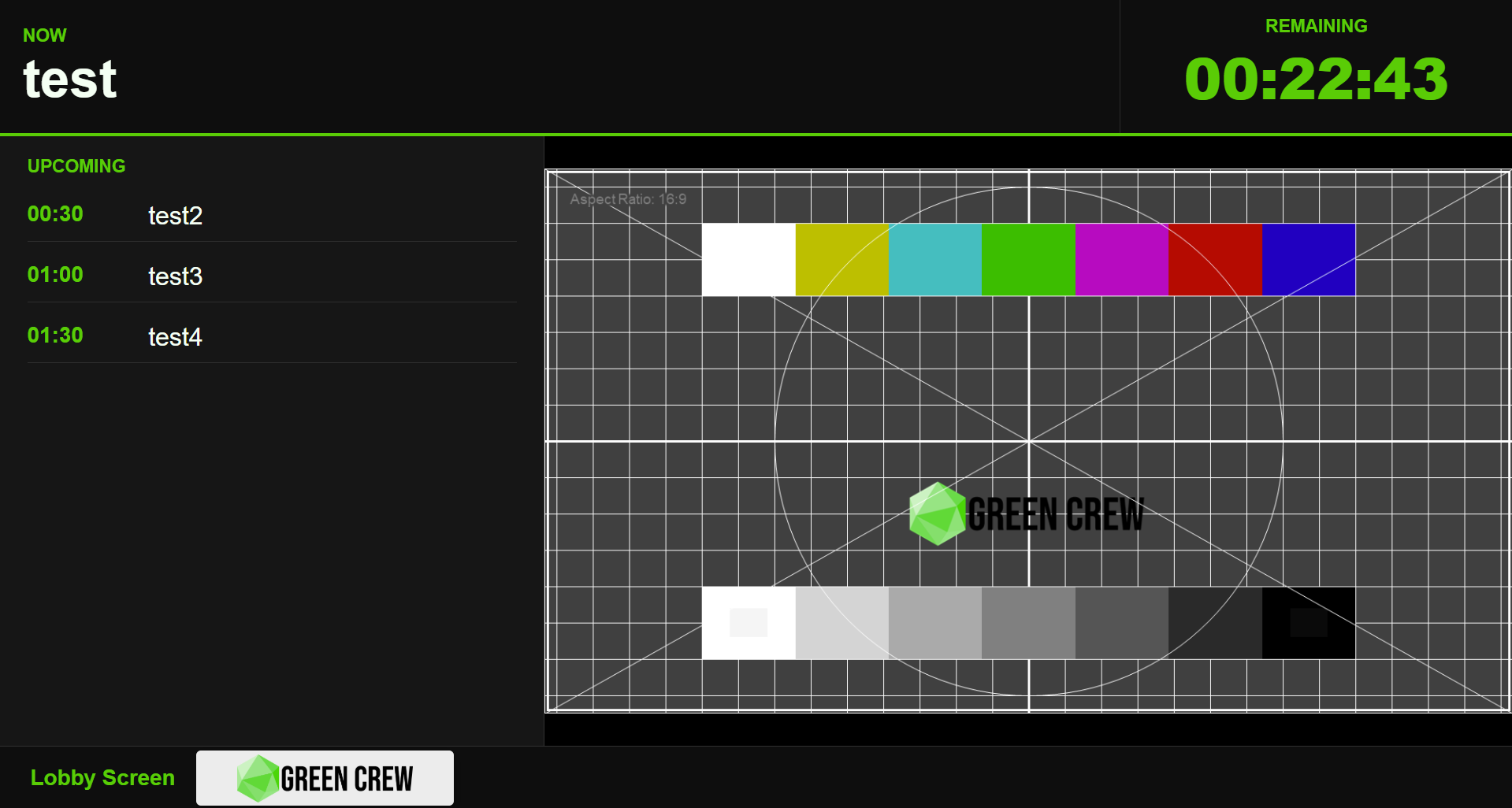
GreenCrew Signage
Event Display & Media Control
TV and kiosk screens for events and venues — schedules, sponsor content, QR codes, live feeds and media playlists — running locally, on hardware you already own.
Why Signage
Every screen runs on its own — configuration, files and playlist stay with you, no external database.
Losing the internet doesn't turn the screen off — the last saved configuration and local media keep playing.
Install on whatever hardware you pick — from a modest mini PC to something stronger for video. No vendor-mandated box.
An optional central panel shows every screen's status and lets you manage them from one place — no screen ever depends on it.
GreenCrew Signage at a glance
A short teaser showing the look and feel of GreenCrew Signage. You'll find the full feature details and interface further down the page.
What it does
Images, video, HTML, QR codes and live feeds (WebRTC/HLS/MJPEG) in a single playlist.
Sponsor carousel, a bottom ticker and pinned messages — ready-made spots for partner material.
Bring in a camera via OBS/vMix (WebRTC or HLS) — the screen falls back automatically if the feed drops, and switches back once it returns.
Impressions and total screen time per playlist card, exportable as CSV/JSON.
The full configuration and media bundled into one ZIP — easy to copy settings between screens.
Edit the look, playlist and content from a browser, nothing else to install.
How it works
Every GreenCrew Signage screen runs on its own, with its own configuration and media. For larger installations (say, several rooms at the same conference), an optional central panel gives you one view across all screens and lets you manage them from a single place instead of editing each one by hand.
Interface
Integrations
GreenCrew Signage can pull the current program item and remaining time straight from Ontime, so screens update automatically as the event runs. The integration is optional — every other Signage feature works independently of it.
Hardware
GreenCrew Signage is software, not a hardware product. It runs on compatible Linux hardware, x86-64 or ARM64 — from a basic screen showing static content to a heavier media screen running multiple video sources.
Deployment
GreenCrew can prepare and configure the system, integrate it with your existing hardware and software, and extend it with whatever a specific deployment needs.
Technical information
GreenCrew Signage is distributed under the PolyForm Shield License 1.0.0.
View the license